gpu passthrough on proxmox and linux guest machine Link to heading
This post is about how to set up gpu passthrough on proxmox and linux guest machine. I usually use my gaming rig for homelab malware reverse engineering Link to heading
(on Proxmox host terminal) Link to heading
enable iommu Link to heading
find initial address of gpu on pci Link to heading
lspci -nnv | grep VGA

find pci id with Link to heading
lspci -s 01:00 -n

sort it so we can add to the grub file later Link to heading
10de:2216, 10de:1aef
on grub file
nano /etc/default/grub
to the line of
GRUB_CMDLINE_LINUX_DEFAULT="quiet"
add this
GRUB_CMDLINE_LINUX_DEFAULT="quiet intel_iommu=on pcie_acs_override=downstream,multifunction video=efifb:off video=vesa:off vfio-pci.ids=<sorted-pci-id> vfio_iommu_type1.allow_unsafe_interrupts=1 kvm.ignore_msrs=1 modprobe.blacklist=radeon,nouveau,nvidia,nvidiafb,nvidia-gpu"
update grub with update-grub
then add vfio to allow passthrough. on nano /etc/modules, add this
vfio
vfio_iommu_type1
vfio_pci
vfio_virqfd
save and update config with update-initramfs -u -k all
on guest machine Link to heading
- dont add the pci device to the device manager first
- install kernel dev sources with
sudo apt-get install linux-headers-$(uname -r) - install build essential and full nvidia meta package with
sudo apt install build-essential nvidia-driver-full - shutdown guest vm, add pci device with the address found earlier
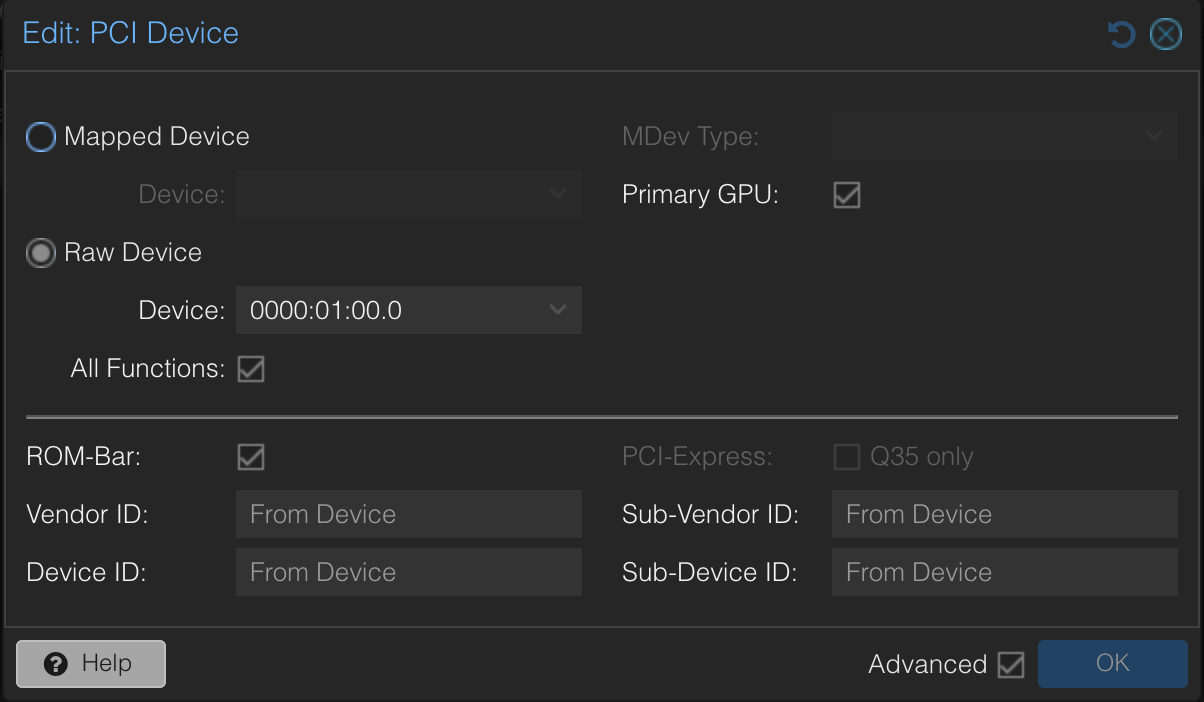 enable primary gpu and all functions
 - run
nvidia-smi && nvidia-smi -Lto check nvidia gpu & driver loaded properly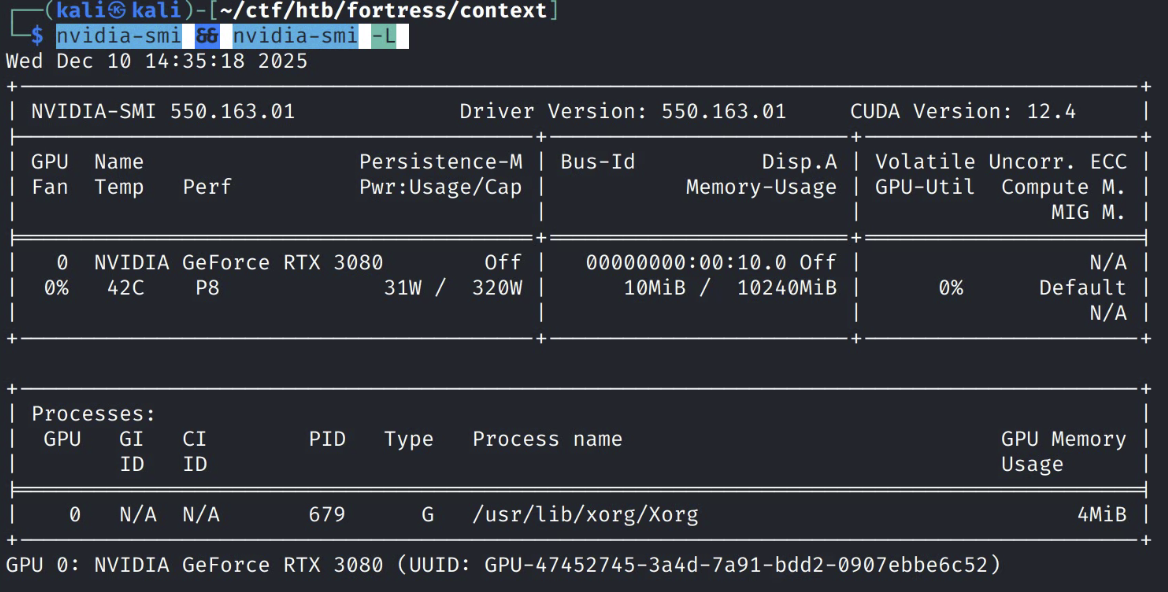
Troubleshooting Link to heading
- Sometime shit happends and this produced
NVIDIA-SMI has failed because it couldn't communicate with the NVIDIA driver. Make sure that the latest NVIDIA driver is installed and running. Purge all driver, rerun kernel source install, reboot then reinstall nvidia driver.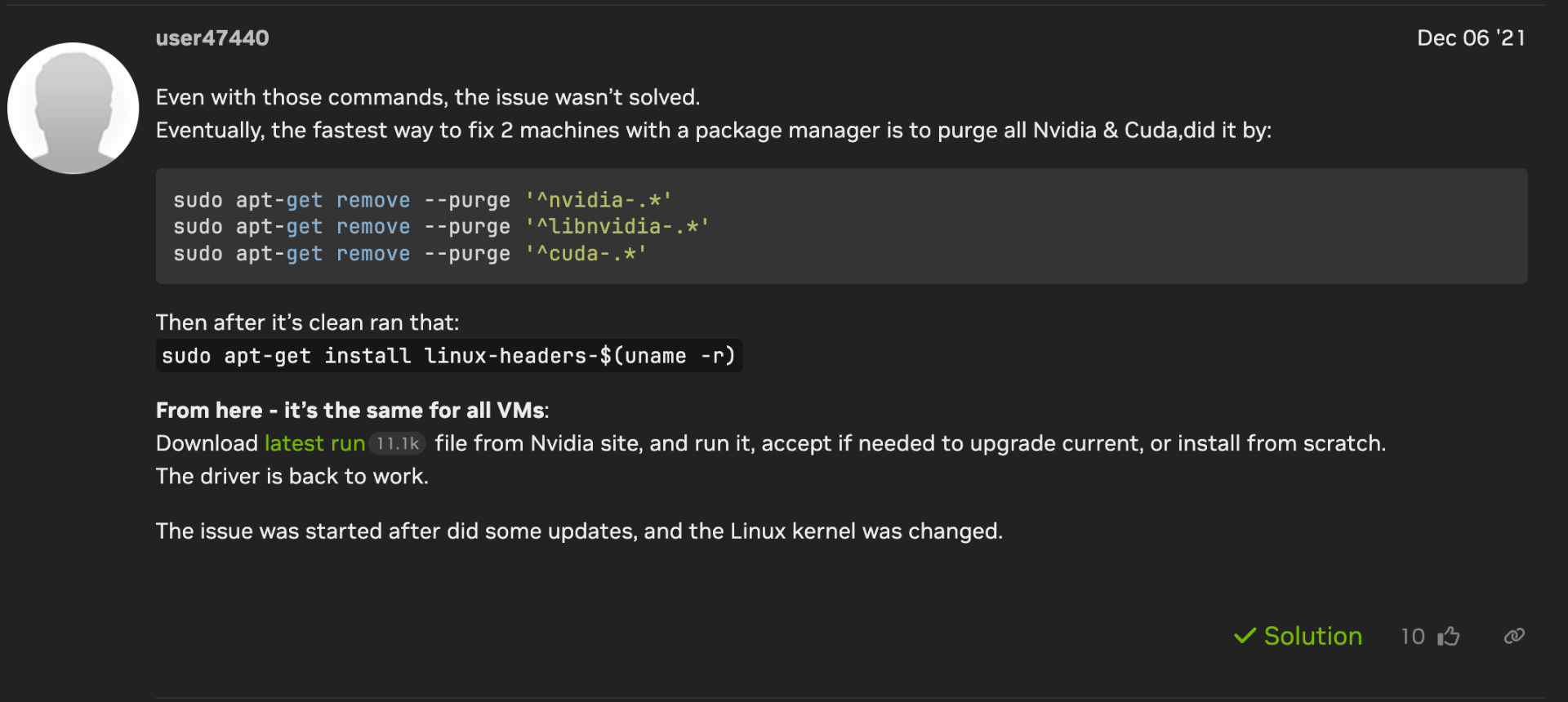 Source
sudo apt remove --purge '^nvidia-.*'
sudo apt remove --purge '^libnvidia-.*'
sudo apt remove --purge '^cuda-.*'

sudo apt install linux-headers-$(uname -r)
- Nvidia RTC error on hashcat.
sudo apt install nvidia-cuda-toolkitto solve this